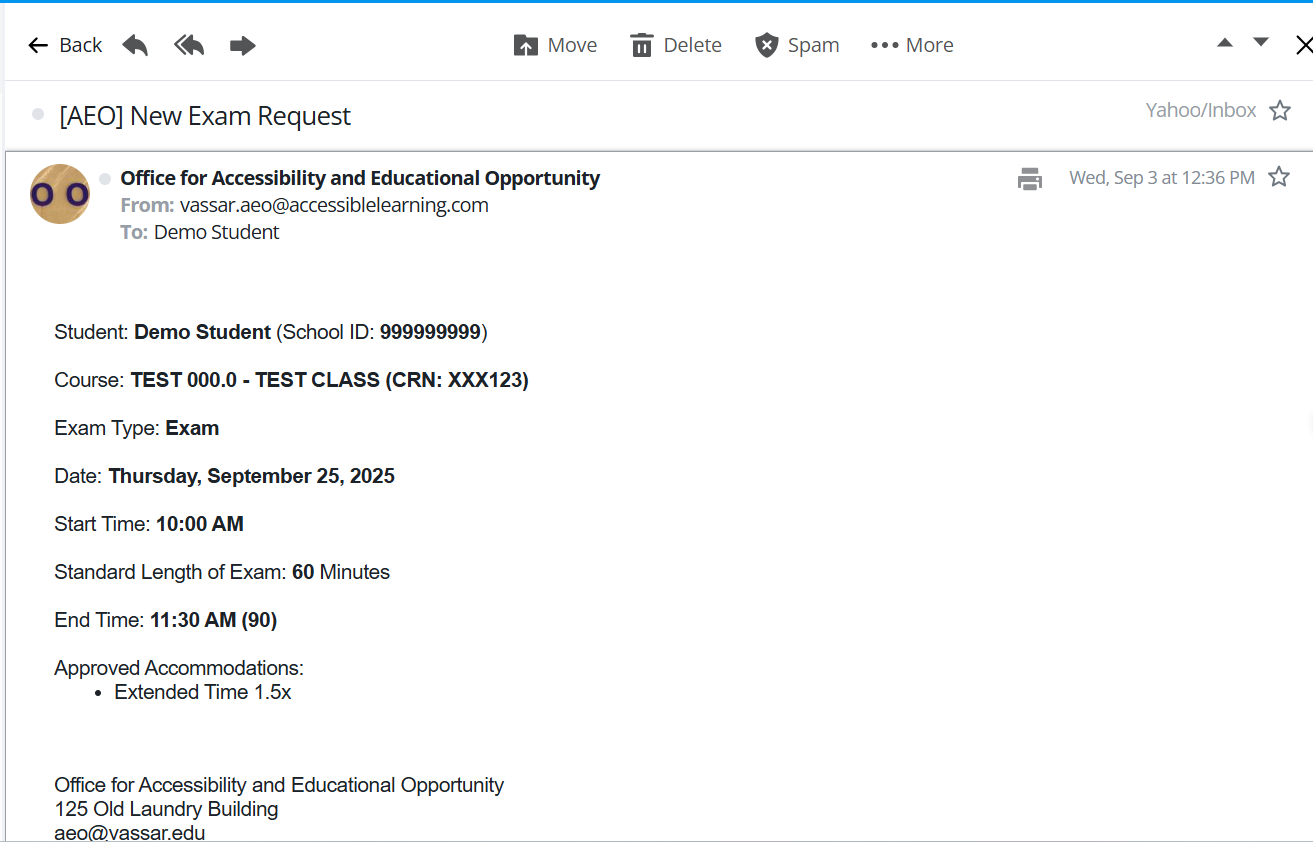
Exam Proctoring Request
For any exam proctoring questions, please email aeo-exams@vassar.edu .
More Information on Exam Proctoring Through the AEO
Exam Proctoring requests can be initiated through the AEO’s Student Portal at the link above. Requests should be submitted one week in advance of an exam and three weeks in advance of a final exam.
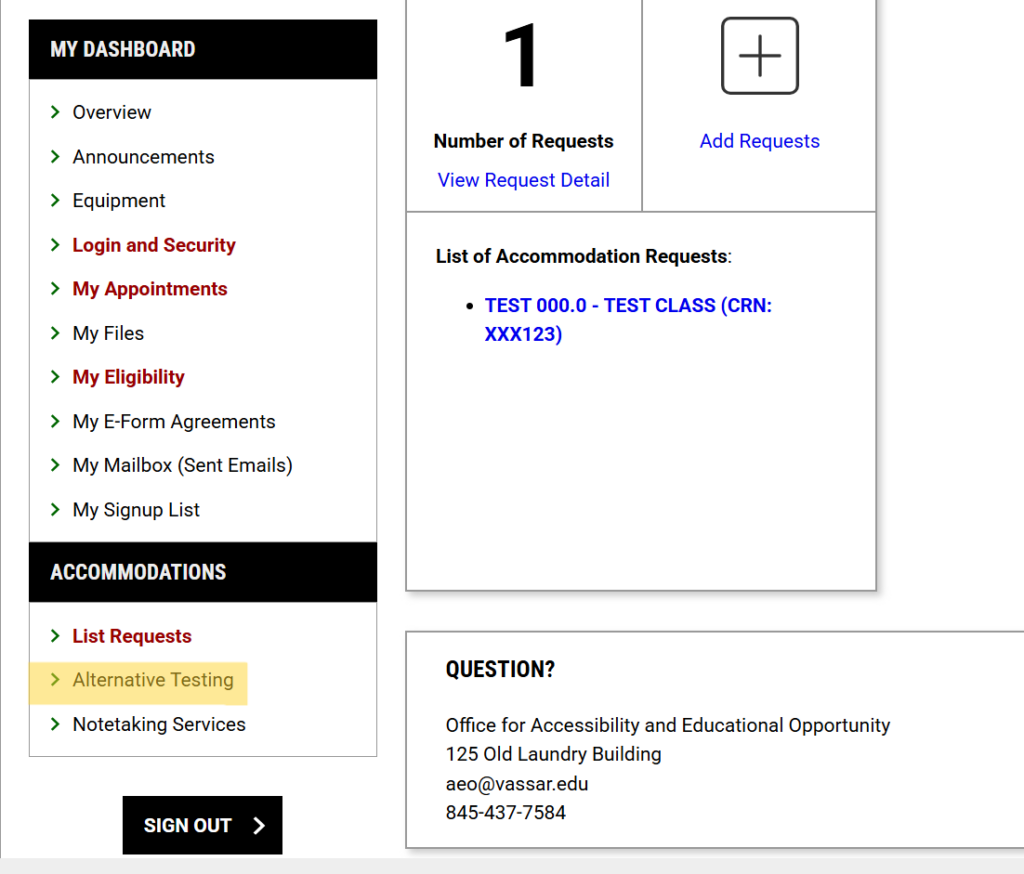
In order to initiate a proctoring request in the student portal, students will need to navigate to the ‘Alternative Testing’ option under ‘Accommodations’ on the menu located on the left side of the screen in the portal (shown below, highlighted in yellow).
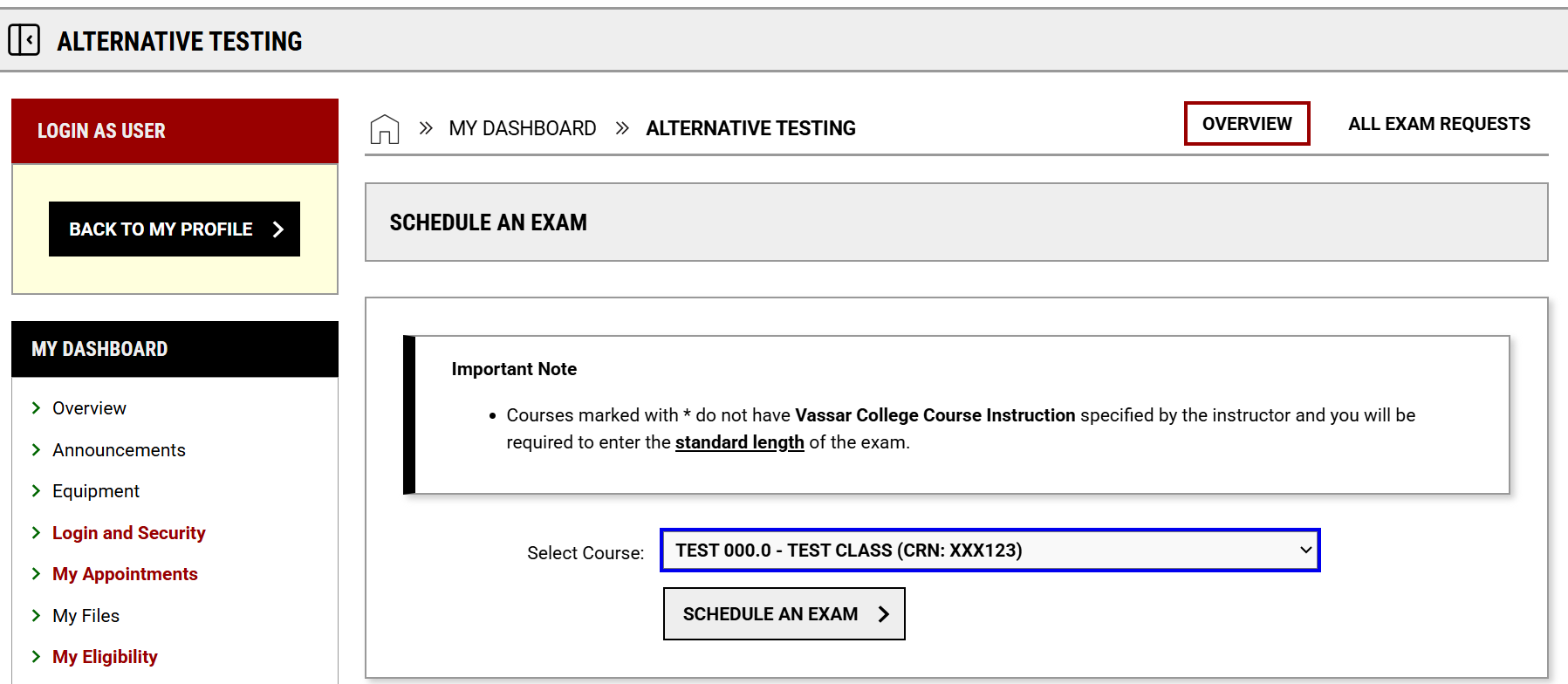
Select the course for which the proctoring is being requested, and then complete the request form, starting with whether this is an exam, midterm, or final exam.
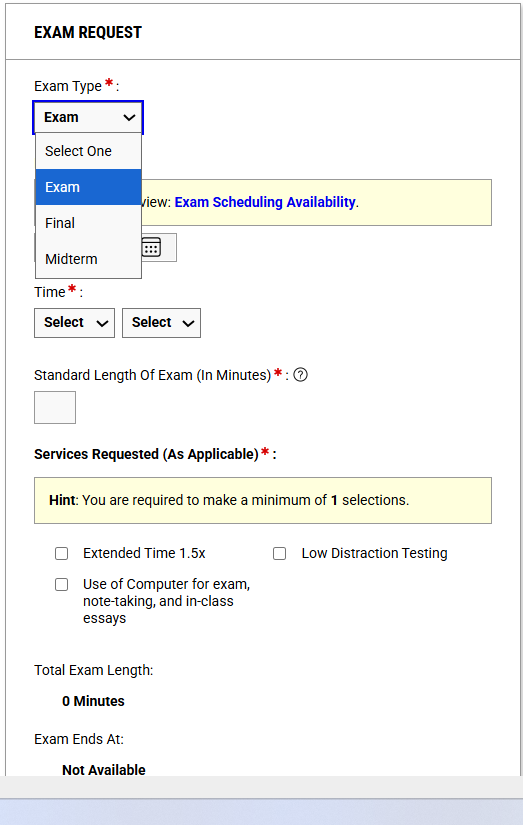
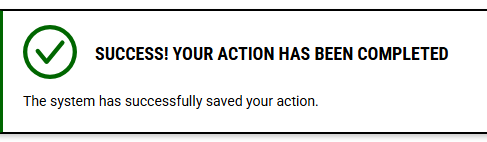
Upon completion, you will be asked to confirm submission of the form, and following that, you should receive a confirmation message showing that the form was successfully submitted.
Once processed, you will receive an email to your Vassar account with the details of the request, and you will receive additional information from the AEO once we have processed the request and contacted your instructor.